
مجلة BODDY
What Does On-Device Camera Coaching Mean for Privacy?
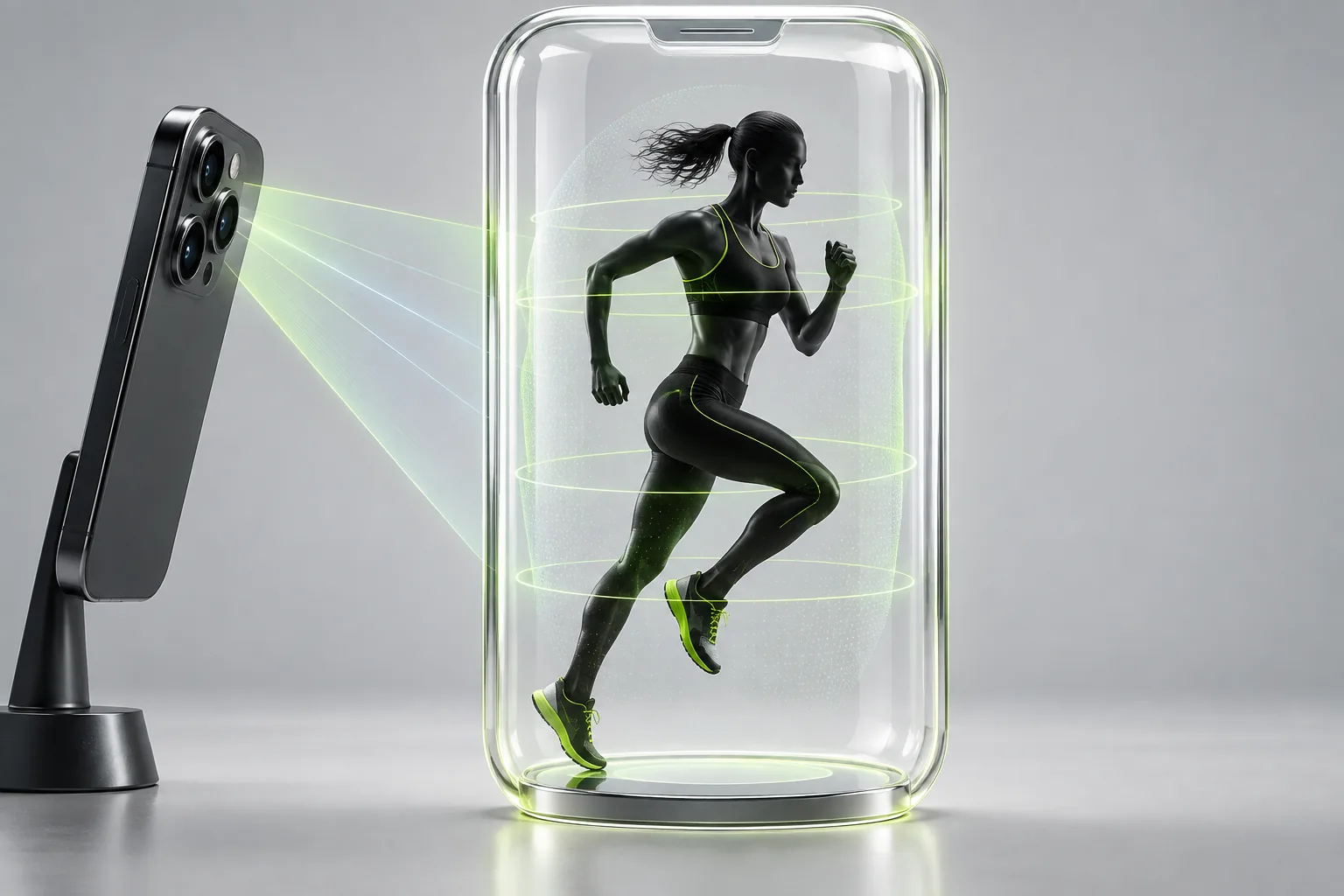
BODDY أثناء العمل
تدريب فوري على iPhone الذي تستخدمه بالفعل.
يتابع Boddy الحركات المدعومة ويعدّ التكرارات ويقدم تنبيهات مرئية وصوتية موجزة أثناء المجموعة.


Direct answer: On-device camera coaching means the analysis can occur on the phone instead of sending the video stream to a remote server. That can reduce exposure and latency, but users should still check permissions, saved media, analytics, account data, and the app’s privacy disclosures.
This guide is based on recurring patterns in recent App Store reviews, public community discussions, official product documentation, and relevant research. Individual reports do not prove that every user will experience the same problem, but repeated complaints reveal where a fitness product needs clearer design and safer defaults.
The complaint behind the question
People hesitate to use camera fitness apps at home or in a gym because they do not know whether video is uploaded, stored, reviewed, or linked to an identity. A generic promise of ‘AI privacy’ does not answer those concrete questions.
The practical standard is simple: an app should make an important fitness decision easier to understand, perform, or verify. When automation adds a polished result without showing its assumptions, users inherit the uncertainty while the software receives the credit.
Why this happens
Privacy depends on the full data path. Local inference can keep raw frames on the device while an app still stores workout history or diagnostics elsewhere. Conversely, a camera permission does not prove that video is retained. Clear product-level disclosure matters.
Fitness apps operate with incomplete information. They may know the workout history but not the exact machine; see a camera frame but not pain; recognize a food but not its hidden oil; or receive wearable data without knowing the user’s full context. Strong products expose those limits instead of presenting every output with equal confidence.
A five-point quality check
- The app explains whether raw video leaves the device. Ask whether the app makes this condition visible and easy to correct before it affects the next recommendation.
- Recording and live analysis are distinguished. Ask whether the app makes this condition visible and easy to correct before it affects the next recommendation.
- Saved clips can be reviewed and deleted. Ask whether the app makes this condition visible and easy to correct before it affects the next recommendation.
- Camera and Health permissions can be revoked. Ask whether the app makes this condition visible and easy to correct before it affects the next recommendation.
- The privacy label and policy match the in-app explanation. Ask whether the app makes this condition visible and easy to correct before it affects the next recommendation.
Run this check using a real session, not a marketing screenshot. Set up the equipment you normally use, interrupt the expected flow once, and inspect what is saved afterward. Reliability appears in recovery from ordinary messiness: a busy gym, a changed exercise, a weak connection, or an imperfect meal.
A safer decision rule
Use the narrowest permissions that support the feature you want. If the product cannot say what is captured, transmitted, or retained, do not place the camera in a sensitive environment until it can.
The important distinction is between assistance and authority. Software can organize evidence, recognize patterns, reduce tapping, and make a reasonable suggestion. The user still needs a visible path to inspect the evidence, change the choice, and recover from an error without losing history.
What good product behavior looks like
A trustworthy app should communicate three things at the moment they matter:
- What it observed. The exercise, set, image, sensor signal, or history used.
- What it inferred. The recommendation or classification produced from that evidence.
- What remains uncertain. Missing context, unsupported movements, weak visibility, incomplete data, or a result that needs confirmation.
This separation prevents a guess from looking like a fact. It also helps users report better feedback: instead of saying “the AI is bad,” they can identify a wrong observation, an unreasonable inference, or a missing control.
Where Boddy fits
Boddy describes its supported camera analysis as on-device. Users should still control where they train, what permissions they grant, and whether any optional media is saved. On-device processing is a meaningful design choice, not a substitute for transparent controls.
Boddy combines workout planning, supported phone-camera form guidance, meal logging, recovery, and progress on iPhone. That wider context is useful only when each feature stays within its real capability. Live feedback can improve the moment of a set; it does not replace sound programming, reliable records, user judgment, or qualified medical care.
A quick test before you depend on the feature
Try the feature with a low-stakes example. Compare the output with information you already know, deliberately make one correction, close and reopen the app, and confirm that the corrected result survives. Then test the edge condition most likely in your routine—different equipment, poor connectivity, partial camera visibility, a mixed meal, or a second connected device.
If the app explains the limitation, preserves your correction, and gives you control, the feature may be dependable enough for its intended job. If it silently rewrites history, hides the input, or blocks correction, the problem is not merely accuracy. It is recoverability.
Bottom line
Choose fitness technology that behaves predictably when the real world is inconvenient. The most useful AI is not the one that produces the most outputs. It is the one that reduces friction while making uncertainty, control, and safety easier to see.
Sources checked in September 2026
BODDY أثناء العمل
تدريب فوري على iPhone الذي تستخدمه بالفعل.
يتابع Boddy الحركات المدعومة ويعدّ التكرارات ويقدم تنبيهات مرئية وصوتية موجزة أثناء المجموعة.
تدرّب مع BODDY
هل تريد تدريبًا يستجيب لك أثناء التمرين؟
يجمع Boddy بين الخطط الشخصية وتسجيل الوجبات وتتبع التقدم وإرشادات الأداء الفورية في تجربة واحدة على iPhone.