
THE BODDY JOURNAL
What Does On-Device Camera Coaching Mean for Privacy?
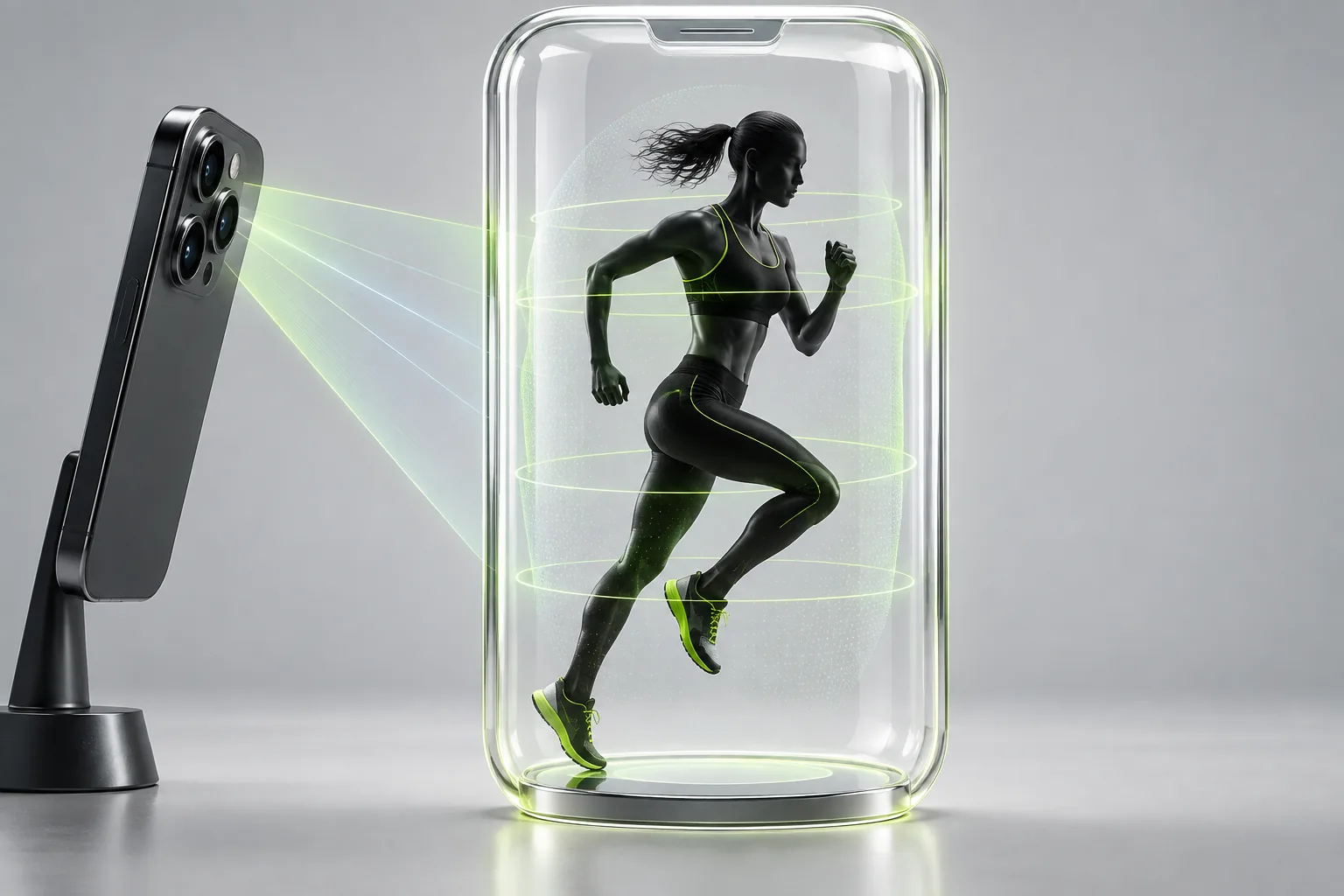
BODDY IN ACTION
Real-time coaching on the iPhone you already use.
Boddy follows supported movement, counts repetitions, and delivers concise visual and spoken cues during the set.


Direct answer: On-device camera coaching means the analysis can occur on the phone instead of sending the video stream to a remote server. That can reduce exposure and latency, but users should still check permissions, saved media, analytics, account data, and the app’s privacy disclosures.
The complaint behind the question
People hesitate to use camera fitness apps at home or in a gym because they do not know whether video is uploaded, stored, reviewed, or linked to an identity. A generic promise of ‘AI privacy’ does not answer those concrete questions.
Why this happens
Privacy depends on the full data path. Local inference can keep raw frames on the device while an app still stores workout history or diagnostics elsewhere. Conversely, a camera permission does not prove that video is retained. Clear product-level disclosure matters.
A five-point quality check
- The app explains whether raw video leaves the device.
- Recording and live analysis are distinguished.
- Saved clips can be reviewed and deleted.
- Camera and Health permissions can be revoked.
- The privacy label and policy match the in-app explanation.
A safer decision rule
Use the narrowest permissions that support the feature you want. If the product cannot say what is captured, transmitted, or retained, do not place the camera in a sensitive environment until it can.
What good product behavior looks like
A privacy explanation should trace raw frames, any optional saved clip, workout history, diagnostics, and account data separately. Users need to know what remains on the phone, what may reach a server, how long it is kept, and what can be deleted. Permission prompts should match those explanations. On-device inference can reduce exposure, but it does not answer every question about analytics or backups. If a product gives only a broad 'private AI' promise, look for a more precise disclosure before recording in a sensitive place.
Where Boddy fits
Boddy’s supported camera analysis runs on the iPhone, making on-device processing part of the coaching design rather than requiring a live video stream to be sent away for every set. That gives users real-time guidance while reducing unnecessary exposure of a sensitive gym view. Users should still choose where they train, review camera permissions, and control any optional media they save.
Important limit. Not seeing a saved video does not prove that no data left the device. Distinguish raw frames from workout records, diagnostics, and account data, and rely on the product's current disclosures for their handling.
A quick test before you depend on the feature
Worked example. Before a home session, read the app's current privacy policy and App Store privacy details, then check camera and Health permissions on your iPhone. Start one supported exercise and distinguish live analysis from any optional recording: does a clip appear in Photos or in the app, and can you find a delete control if one was saved? Revoke camera access afterward to confirm the permission is under your control. This is a user-facing check, not a network audit; if you need certainty about transmission or retention, look for a clear product disclosure or ask support.
Bottom line
Ask what each data type does, where it goes, and how to remove it. Local camera processing is valuable but is not a complete privacy policy.
Sources checked in September 2026
BODDY IN ACTION
Real-time coaching on the iPhone you already use.
Boddy follows supported movement, counts repetitions, and delivers concise visual and spoken cues during the set.
TRAIN WITH BODDY
Want coaching that responds while you train?
Boddy combines personalized plans, meal logging, progress tracking, and real-time form guidance in one iPhone experience.