
THE BODDY JOURNAL
Apple Watch or iPhone Camera: Which Is Better for Strength Training?
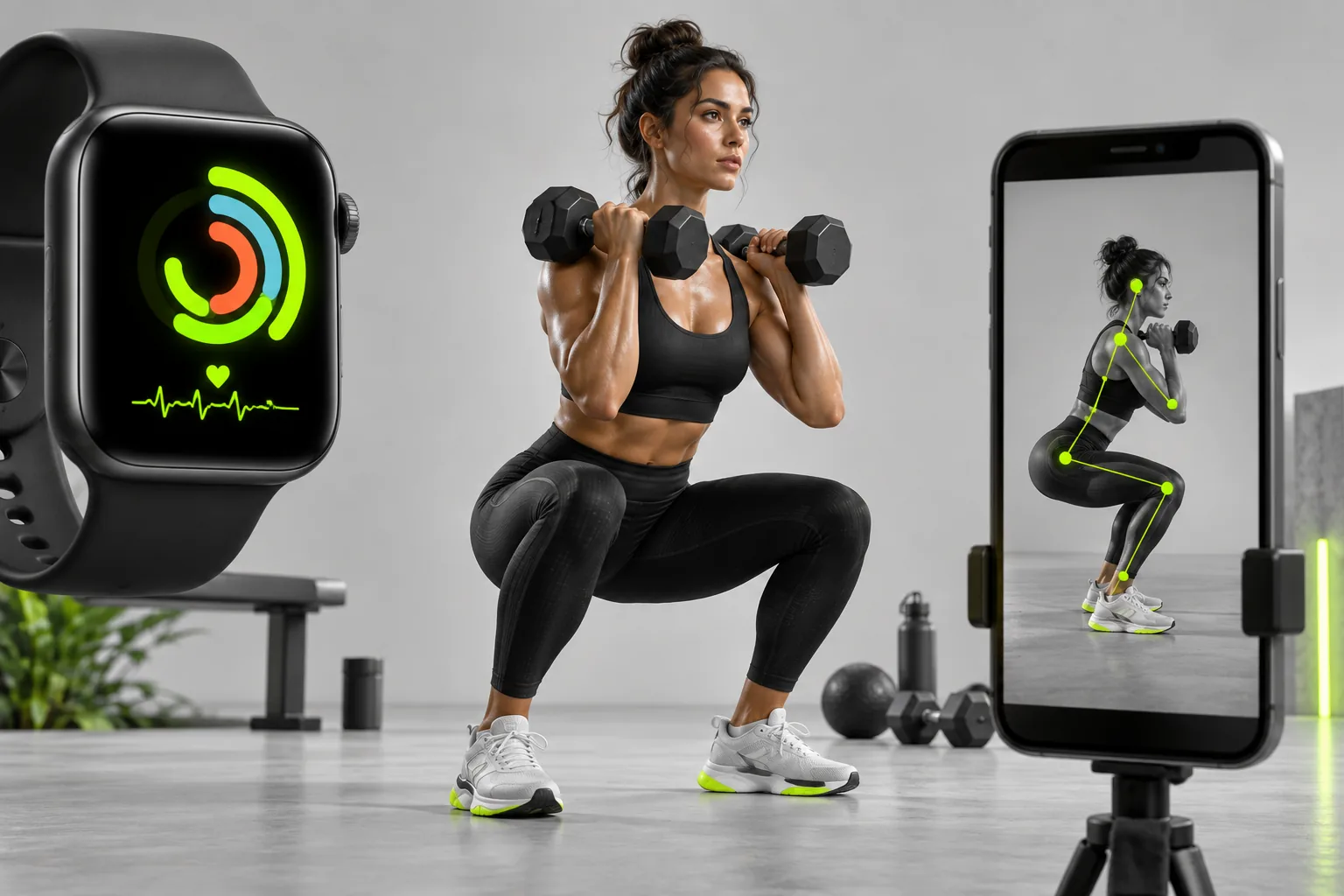
BODDY IN ACTION
Real-time coaching on the iPhone you already use.
Boddy follows supported movement, counts repetitions, and delivers concise visual and spoken cues during the set.


Direct answer: An Apple Watch is better for wrist-based heart rate, elapsed time, and convenient session logging. An iPhone camera is better positioned to observe visible joint relationships and whole-body movement. Neither device sees everything, so the better choice depends on the question.
The complaint behind the question
Users often expect a wearable and a camera coach to be substitutes, then encounter gaps. A watch may record the workout but cannot see stance or depth; a camera may see the movement but not provide clinical-grade internal load or complete recovery context.
Why this happens
Sensors constrain inference. A wrist device measures motion and optical pulse near the wrist. A camera estimates visible landmarks from a viewpoint. Combining them can add context, but it can also create duplicate workouts or conflicting calorie estimates if ownership is unclear.
A five-point quality check
- Choose one source to write the primary workout record.
- Use the watch for heart rate and convenience.
- Use the camera for supported visual technique cues.
- Review Health permissions to avoid duplicates.
- Do not treat either signal as a diagnosis.
A safer decision rule
Use the simplest setup that answers today’s need. For a technique-focused set, camera visibility matters. For a run or a session where filming is impractical, the watch may be the useful tool. More sensors are not automatically more accurate.
What good product behavior looks like
A setup using both devices should assign each one a job. The Watch can provide convenient time and wrist-pulse data, while a properly framed iPhone can observe supported visible movement. Decide which app writes the workout to Apple Health so a single session does not become two records. Avoid comparing a watch metric with a camera cue as if they measure the same thing. If filming is impractical, the workout still has value through planning and logging rather than an invented camera score.
Where Boddy fits
Boddy adds the signal a wrist tracker usually cannot see: how a supported movement unfolds in front of the iPhone camera. Live rep tracking and form cues sit beside workout planning, recovery, meals, and progress, while an Apple Watch can remain useful for wrist-based metrics. The devices are complementary when the user decides which app owns the workout record and which device supplies each signal.
Important limit. A wrist pulse reading and a camera-based movement cue answer different questions; neither is a medical measurement of lifting safety. Review Health write permissions before deleting apparent duplicates so you do not remove the only valid record.
A quick test before you depend on the feature
Worked example. For one strength session, choose which device or app will create the workout record in Apple Health before you start. Use the Watch for elapsed time and pulse if those are useful, and the iPhone camera only for a supported set with a safe, clear view. After finishing, open Health and inspect the workout's data sources: two full-session entries may mean both apps wrote the same work. Turn off the unnecessary write permission rather than assuming the camera or wrist signal is wrong. Compare each device on the question it actually measures.
Bottom line
Choose the sensor for the question: wrist metrics for a session record, a clear camera view for supported movement cues, and one owner for the Health workout.
Sources checked in September 2026
BODDY IN ACTION
Real-time coaching on the iPhone you already use.
Boddy follows supported movement, counts repetitions, and delivers concise visual and spoken cues during the set.
TRAIN WITH BODDY
Want coaching that responds while you train?
Boddy combines personalized plans, meal logging, progress tracking, and real-time form guidance in one iPhone experience.