
THE BODDY JOURNAL
Is Barcode Scanning More Reliable Than Manual Food Search?
BODDY IN ACTION
Real-time coaching on the iPhone you already use.
Boddy follows supported movement, counts repetitions, and delivers concise visual and spoken cues during the set.


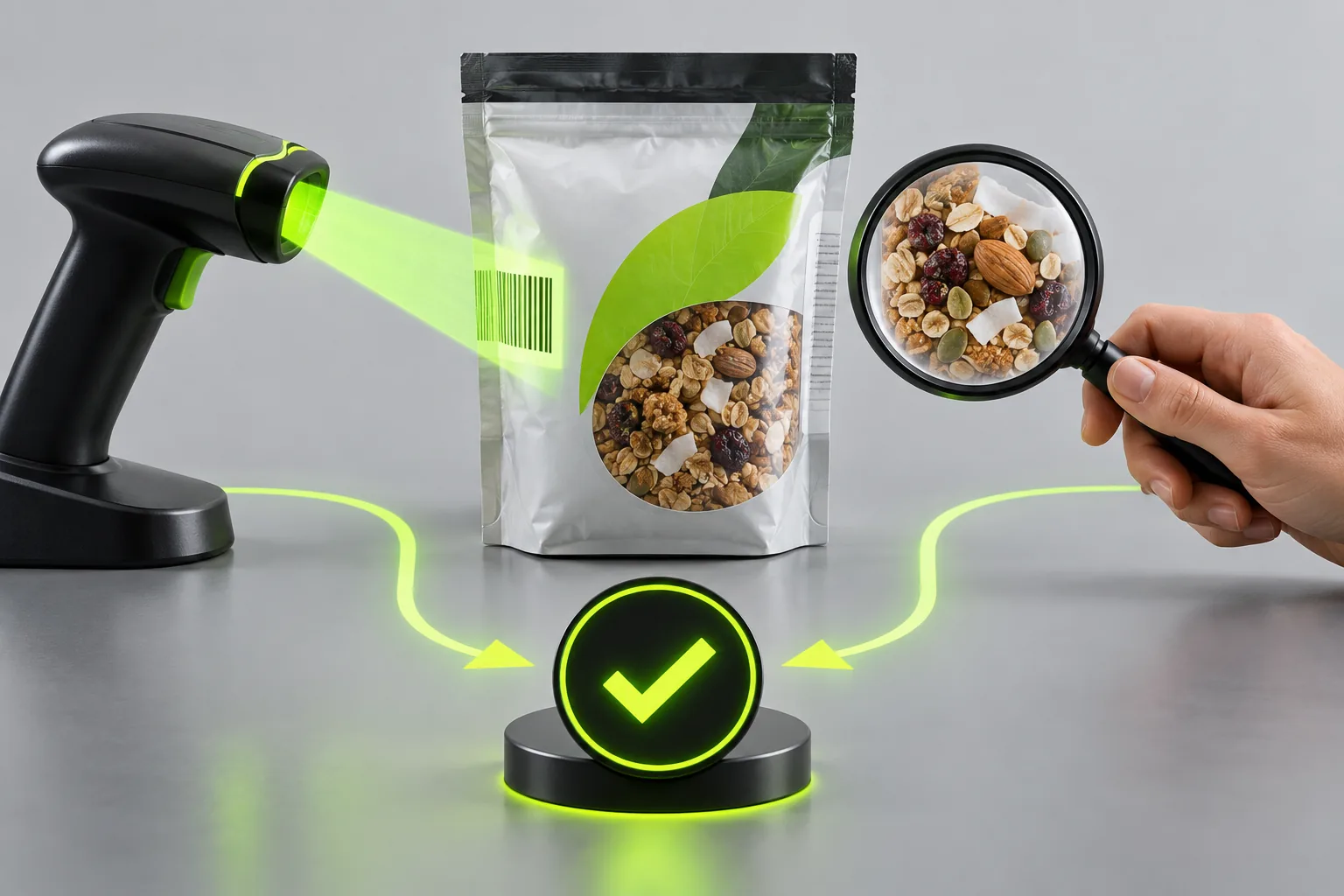
Direct answer: Barcode scanning is faster and often narrows the match, but it is not inherently more accurate. A barcode points to a database record that may be outdated, regional, user-entered, or linked to the wrong serving size. The package label remains the immediate reference.
The complaint behind the question
Users object when barcode scanning moves behind a paywall, but they also complain about scans that return an unrelated product or old nutrition values. The feature’s value is reduced friction, not guaranteed truth.
Why this happens
Barcodes identify commercial items, not their current nutritional composition in every market. Manufacturers can change recipes while retaining product identity, and databases may merge records from several countries.
A five-point quality check
- Confirm product name and package size.
- Compare calories and macros with the current label.
- Check the selected serving in grams.
- Correct or create a private entry when the match is wrong.
- Use manual search for unpackaged and home-cooked foods.
A safer decision rule
Scan when it saves time, verify when the food is frequent or important, and search manually when the code is missing or ambiguous. Do not pay for a scanner assuming it eliminates database quality problems.
What good product behavior looks like
A barcode should be a shortcut to a candidate product, not proof that its serving and nutrients are correct. Show the package size, serving unit, and last verification where available, and let the user compare them with the current label. Manual search remains necessary for unbarcoded foods, local variants, and products whose packaging changed. A correction should survive future scans so speed does not repeatedly reintroduce the same error.
Where Boddy fits
Boddy makes nutrition capture useful by connecting the logged meal to training, recovery, and progress in the same app. Recognition can shorten the first step, while visible, editable foods and portions let the user correct what the shortcut missed. That gives speed without asking the user to surrender control of the nutrition record.
Important limit. A barcode identifies an item record, not the exact recipe in every region or at every time. Reformulation and country-specific labels can make a formerly correct entry stale. For clinical nutrition decisions, use the verification method recommended by a qualified professional rather than relying on a consumer lookup shortcut.
A quick test before you depend on the feature
Worked example. A barcode returns the right product name but a serving size from an older package. Compare the app record with the current label, especially the package size and values per 100 grams or per serving. Correct the portion you actually ate, then save a personal entry if the app permits it. If the scanner finds no match for produce or a homemade dish, search for the ingredient or log a recipe instead of choosing a visually similar packaged product. The scan saved typing; it did not verify the nutrition facts for you.
Bottom line
Scan for speed, verify for accuracy. The better method is whichever lets you confirm the food and serving you actually ate.
Sources checked in September 2026
BODDY IN ACTION
Real-time coaching on the iPhone you already use.
Boddy follows supported movement, counts repetitions, and delivers concise visual and spoken cues during the set.
TRAIN WITH BODDY
Want coaching that responds while you train?
Boddy combines personalized plans, meal logging, progress tracking, and real-time form guidance in one iPhone experience.