
THE BODDY JOURNAL
How Can Workout Apps Apply Progressive Overload Without Random Jumps?
BODDY IN ACTION
Real-time coaching on the iPhone you already use.
Boddy follows supported movement, counts repetitions, and delivers concise visual and spoken cues during the set.


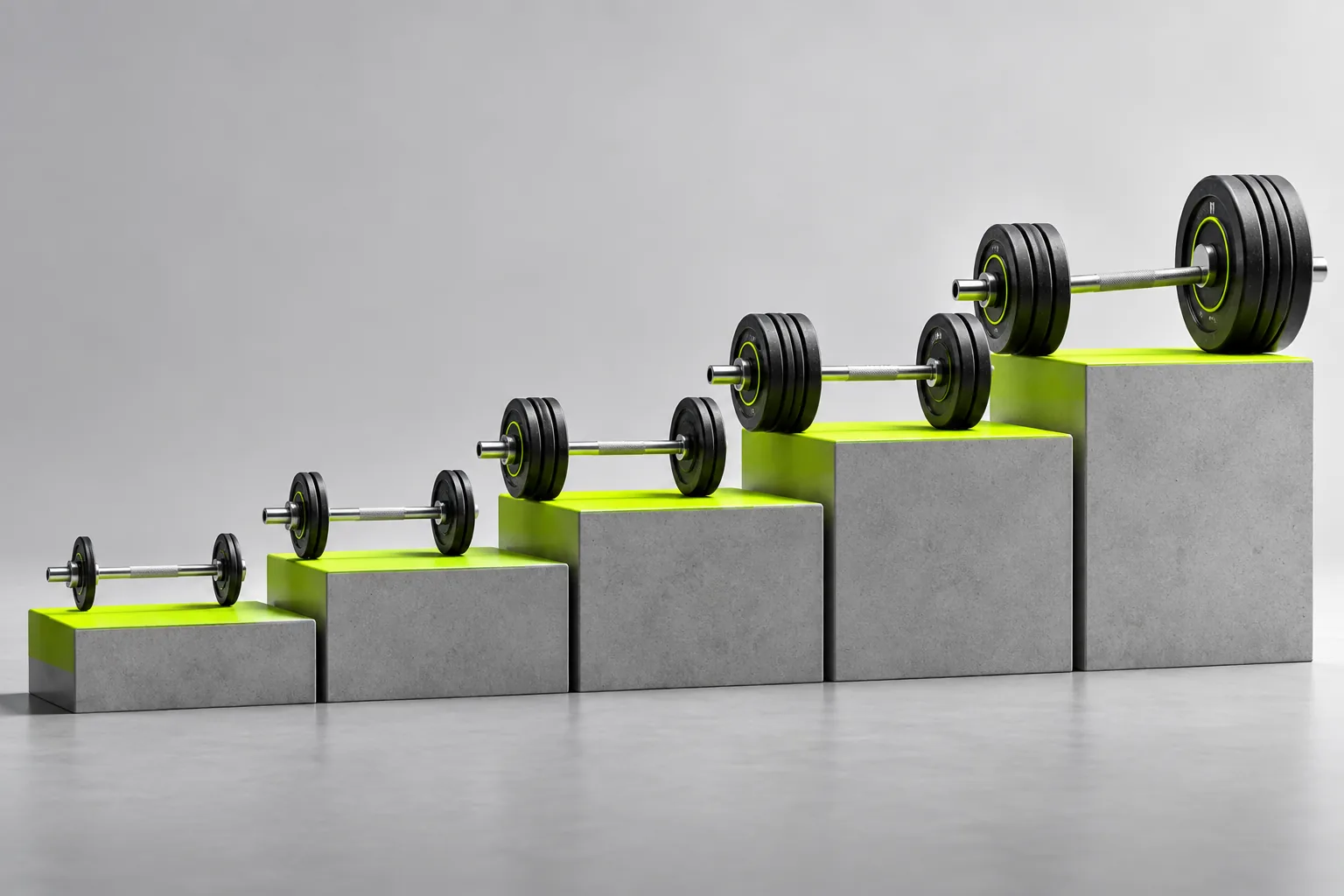
Direct answer: Progressive overload should follow demonstrated performance. An app can add a rep, a small amount of load, a set, range of motion, or technical difficulty—but only after the current prescription is completed with the intended effort and control.
The complaint behind the question
Users lose trust when an app makes a large automatic jump, lowers a successful load without explanation, or confuses one machine with another. The word ‘AI’ does not make a discontinuous recommendation safer or more useful.
Why this happens
Progress is not identical to adding weight every session. Available increments, rep targets, exercise stability, training age, and fatigue all change the sensible next step. Double progression—first reps, then a small load increase—is often easier to audit than opaque predictions.
A five-point quality check
- The previous result is visible beside the recommendation.
- The increment exists in your gym.
- Effort and technique affect the next step.
- Missed targets do not trigger chaotic changes.
- Plateaus lead to a planned adjustment rather than endless load escalation.
A safer decision rule
Accept a progression when it is the smallest meaningful step supported by recent performance. If the number is implausible, keep the last controlled load and record the result. Good automation learns from a correction instead of punishing it.
What good product behavior looks like
Progression should be traceable from a completed set to the next target. If the app proposes more weight, it should show whether the prior reps, effort, and range of motion justified the change and whether the available increment is practical. Users may progress by adding a rep, improving control, or repeating a load with less strain before adding plates. An unexplained jump should be easy to reject without resetting the program, and a temporary difficult day should not erase a longer trend.
Where Boddy fits
Boddy connects progression to the evidence that matters: completed workouts, reps, load, progress, and the user’s own judgment of difficulty. On supported movements, live camera guidance adds another check—whether an increase still preserves visible control. The result is a progression decision the user can inspect, rather than a surprise weight jump generated without context.
Important limit. There is no universal rule that weight must rise every session. Fatigue, illness, travel, equipment increments, and technique can all change the right next step. A single poor workout is information, not a command to reset the whole plan. If technique deteriorates or the increase causes pain, reduce or stop the load and seek appropriate guidance rather than chasing an app-generated number.
A quick test before you depend on the feature
Worked example. Imagine a plan calls for three sets of eight to twelve controlled dumbbell rows. Last week you logged ten, nine, and eight reps with the same pair. A sensible next target may be one more rep somewhere across those sets, not an immediate jump to much heavier dumbbells. If you later reach the top of the range across all three sets with consistent technique, test the smallest heavier pair and expect the rep count to fall back toward the lower end. That is still progress. Keep the exercise and implement consistent when comparing weeks; a cable row or different bench angle starts a separate comparison.
Bottom line
Make progress auditable: one completed target, one modest next step, and a way to revise it when the actual set says otherwise.
Sources checked in September 2026
BODDY IN ACTION
Real-time coaching on the iPhone you already use.
Boddy follows supported movement, counts repetitions, and delivers concise visual and spoken cues during the set.
TRAIN WITH BODDY
Want coaching that responds while you train?
Boddy combines personalized plans, meal logging, progress tracking, and real-time form guidance in one iPhone experience.