
THE BODDY JOURNAL
How Should an AI Workout App Use Your Available Equipment?
BODDY IN ACTION
Real-time coaching on the iPhone you already use.
Boddy follows supported movement, counts repetitions, and delivers concise visual and spoken cues during the set.


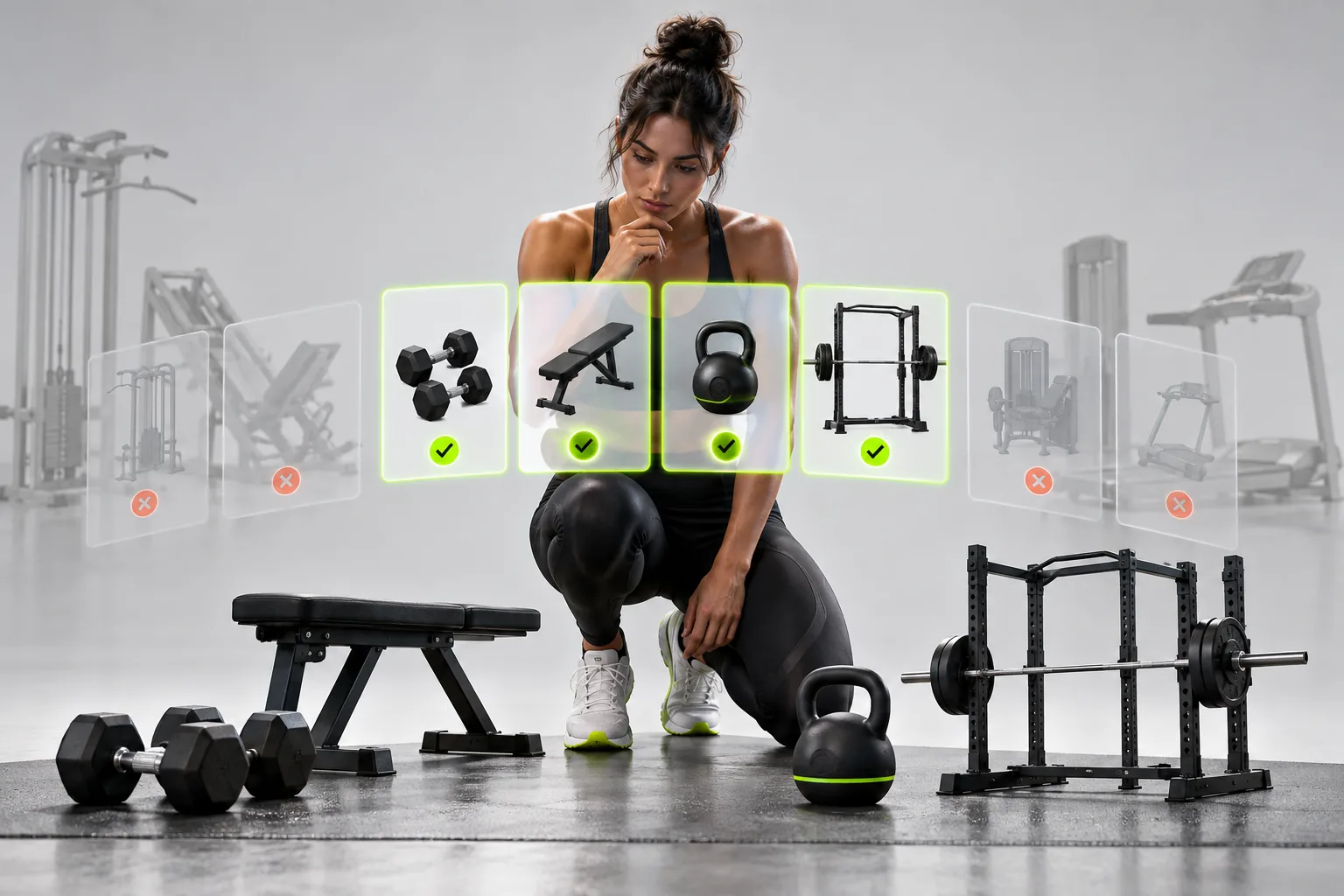
Direct answer: An equipment-aware app should distinguish what you own from what is available today, understand meaningful differences between implements, and generate only loads and movements your setup can support. A one-time equipment checklist is not enough.
The complaint behind the question
Users complain about workouts containing unavailable machines, dumbbell jumps their gym does not stock, or cable movements in home programs. Some apps let people swap after the plan is generated but cannot prevent the mismatch beforehand.
Why this happens
Equipment affects more than exercise names. It changes setup time, load increments, stability demands, resistance curves, and whether a movement is practical in a crowded room. Personalization must operate at the session level as conditions change.
A five-point quality check
- You can create more than one equipment profile.
- Maximum and minimum machine loads are editable.
- Available weight increments are represented.
- Temporary exclusions do not erase long-term preferences.
- Generated substitutions keep the same movement purpose.
A safer decision rule
Treat persistent equipment mismatches as a programming failure, not a minor inconvenience. An app earns trust when it prevents impossible prescriptions and lets you make a temporary change without corrupting future recommendations.
What good product behavior looks like
A useful equipment profile distinguishes permanent access from today's availability. It should record real load increments and limits, not just whether the user owns a dumbbell or a cable machine. When a station is busy, a temporary substitution should retain the session's training purpose without overwriting the original exercise history. Check the next session too: a one-day workaround should not permanently remove an implement from the plan. This is where personalization becomes operational rather than a checkbox on onboarding.
Where Boddy fits
Boddy works best as an adaptable plan rather than a rigid list: users can keep the session aligned with the equipment they can actually reach, then use camera guidance on supported replacements. This separates the programming decision—what movement fits the goal and available setup—from the coaching decision—how to perform it with visible control. Boddy should never push an awkward workaround simply to preserve the original exercise name.
Important limit. A substitute is not automatically equivalent because it trains the same named muscle. Stability, resistance curve, range of motion, and available increments matter. If no safe alternative exists, shorten or redesign the session rather than improvising an awkward movement solely to satisfy the generated plan.
A quick test before you depend on the feature
Worked example. Your home profile has two dumbbells that top out below the app's suggested load, while your gym profile has a cable stack and heavier weights. Before a home workout, choose the home profile and check that the planned exercise and increment can actually be performed there. If the app still prescribes the cable machine, substitute a movement with a similar purpose and record it under its own exercise history. When you return to the gym, switch back to the gym profile without permanently deleting the cable exercise from future plans.
Bottom line
A plan that cannot be performed with today's equipment is not personalized enough. Test both the proposed exercise and its load before the session starts.
Sources checked in September 2026
BODDY IN ACTION
Real-time coaching on the iPhone you already use.
Boddy follows supported movement, counts repetitions, and delivers concise visual and spoken cues during the set.
TRAIN WITH BODDY
Want coaching that responds while you train?
Boddy combines personalized plans, meal logging, progress tracking, and real-time form guidance in one iPhone experience.